AI wedding-video style prompts: what a style controls, what it cannot, and a twelve-clip checklist
What an AI wedding-video style prompt actually fixes (the decor, the light, the order of shots) and what it cannot (faces, a real venue, a ceremony, big camera moves), with the checklist that keeps twelve clips reading as one room.
Twelve renders of the same wedding reception, and by the fourth the room has five chandeliers instead of three. The flowers have gone from white to blush, and a music video cut from those clips looks like four weddings sharing one song. One beautiful AI wedding frame is easy. The second one is the problem.
That problem is what the studio's wedding style library was built around. A "style" in an AI video prompt is not a mood or an adjective. It is a block of text that stays identical, and most of the craft is knowing which parts of a prompt are allowed to move.
What does a wedding-video style actually control?
Every prompt in the library is three pieces pasted in the same order.
| Part | Changes per shot? | What it holds |
|---|---|---|
| Decor block | Never | The room: floor, walkway, chandeliers, tables, centrepieces, stage |
| Lighting block | Never | The light: candle glow, key light, haze |
| Shot instruction | Every shot | Where the camera is and what it looks at |
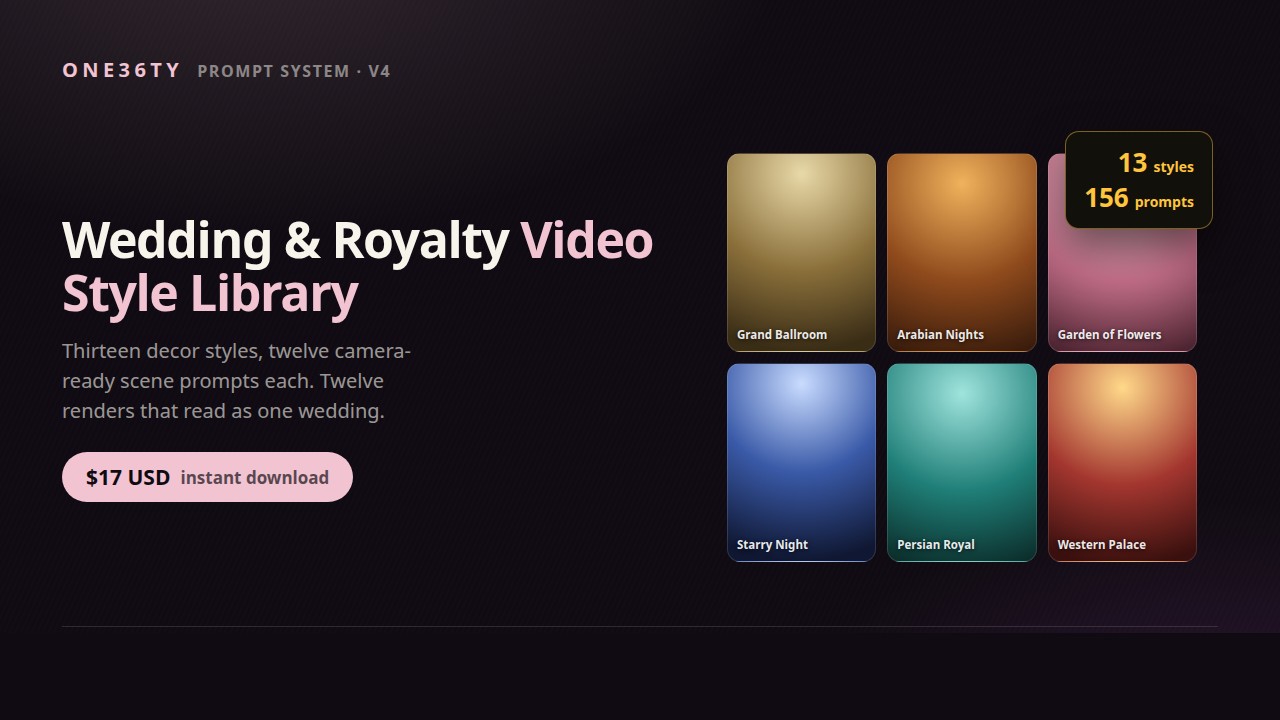
The decor block is the style. In the Grand Ballroom file it describes a marble floor with a long straight walkway, three crystal chandeliers, round tables in gold cloth and a string orchestra on a low stage. Paste that text byte for byte into twelve prompts and the model is handed the same room twelve times. The lighting block does the same for colour and atmosphere, and it matters as much as the furniture: one room under two kinds of light reads as two events.
The third thing a style controls is order. The twelve scenes are written as a cut rather than a list: an establishing wide, the walkway, the entrance, a table detail, the head table, the first dance, an overhead, the guests, the cake, a texture macro, the doors opening, and a closing wide that mirrors the first. Twelve eight-second clips make 96 seconds, enough for a full track once the strongest three or four are repeated.
A style also carries house rules in its negative block: reception only, no ceremony seating, no religious symbols, no alcohol, no text or logos, no phones or exit signs. They are what makes a render usable for a family audience without a second pass.
What can a style prompt not control?
Quite a lot. These are the limits that come up most.
- Faces. A decor block fixes a room. It does not fix a person. Nothing in the prompt makes the couple in the entrance shot the same couple as in the first dance. The library leans on wides and mid-shots for this reason, and for the three scenes with people at the centre the working rule is to generate four and keep one.
- A real venue. A style is a decoration concept applied to a believable venue, not a specific one. It will not render a particular hotel ballroom in Dubai, however carefully that ballroom is described.
- The ceremony. Left out on purpose. Every prompt says reception only, and when rows of chairs and an aisle do appear, the first thing to check is whether the negative block survived the paste. Some tools cut long prompts short, and the rules sit at the end.
- Literal themes. Earlier versions treated a style as a place, an underwater wedding or a desert wedding, and the results were surreal. Under-the-Sea now means a ballroom dressed in ocean decor.
- Motion. The motion prompt asks for slow, subtle movement: candle flames flicker, fabric drifts, guests move slightly. Push the motion strength and the clip drifts into a different room. A sweeping aerial move is not what the method is written for.
A style is not an adjective. It is a paragraph that is never allowed to change.
How do you keep one style consistent across twelve clips?
The checklist, in order, for every new track:
- Pick the style by hand, or let the keyword map pick it from the track title. A title with "moon" or "qamar" in it goes to Starry Night; a title with no match falls back to Grand Ballroom.
- Generate scene 01 first and do not move on until it is the right room. If the decor block needs an edit, make it once, here, and regenerate 01.
- Copy the decor and lighting blocks from the style file every time, never from a previous prompt that has been retyped or tidied.
- Lock the seed if the tool allows it.
- Change only the shot instruction for scenes 02 to 12.
- Check each still against scene 01 for the countable things: chandeliers, arches, the colour of the cloths.
- Feed each still to the image-to-video model with the same motion prompt, eight seconds, loopable.
- Log every clip in the reuse log before cutting.
Step 8 is where the time comes back. The second track in a style reuses the motion clips and needs only the two or three shots that must be new. By the third, most of the video already exists in a folder.
What should a couple hear before anyone promises them a look?
The library was written for faceless music-video channels, wedding content creators and event designers. For anyone using a render to show a couple a direction before the day, the honest version is short.
The render shows a decor concept, not their venue and not their faces. It can show what a tent-draped ceiling with brass lanterns feels like at the scale of a full room, which a mood board of separate photos struggles to do. It cannot promise that the hotel's ceiling height, the florist's budget or the room's real light will produce that frame, and the people in it are nobody in particular. Said that way, a style is a conversation tool. Said any other way, it sets an expectation the real room then has to break.
In both uses, what a locked style does is turn "make it look like this" from a lucky render into a paragraph that can be pasted again tomorrow, and the second clip matching the first is what makes it a style at all.